Get paid for the videos you make.
Clip streams and podcasts, use a song, or post about an app or product. Share it on TikTok or Instagram, and your video earns more as its views go up.
Free to join. No follower minimum.
- 1M views$1,250
- 500K views$610
- 250K views$300
- 100K views$115
- 50K views$56
- 25K views$27
- 10K views$11
- 5K views$5
- 2.5K views$2.50
Example: a video with 312,480 views has passed the 250K milestone, so it earns $300.
Three kinds of campaigns
Join the ones that fit what you already post. Each one has its own brief, pay table and end date.
Clipping
Cut clips from streams, podcasts and other creators' videos, and post them on your own accounts. The brief says what to clip and where to find it.
Music
Use a song in your video: an edit, a dance, a lip sync, whatever the brief asks for. The campaign page has the sound and the audio files.
Apps and products
Show an app or a product in the kind of video you already make. The brief lists what to include and what to leave out.
How it works
Every campaign has one link. You join, post and get paid from the campaign page.

Open the campaign link
Each campaign has one page with the brief, the sound or source, the pay table and the end date.
Join with your email
We email you a sign-in link. There is no password to set.
Connect your account
Link the account you'll post from, so we know the videos are yours.
Post, then paste your link
Post the video on your account and paste its link on the campaign page.
Your video is reviewed
We check that it follows the brief and was posted from your account while the campaign was running.
Get paid for the views
Approved videos earn at each milestone they pass. Views are checked before anything is paid.
How pay works
Every campaign shows what it pays before you post anything.
- Paid at milestones
- Each campaign lists view milestones and what each one pays. Your video earns the amount for the highest one it reaches.
- All of a video's views count
- Views from before your video was approved still count toward its milestones.
- No cut from your pay
- The amount in the pay table is what you get. Sprout doesn't take a fee from creators.
- No follower minimum
- Campaigns pay for views, so a new account earns on the same pay table as a big one.
- Budget and end date up front
- Every campaign shows how much budget is left and when it ends. Pay stops when either runs out.
- PayPal or bank account
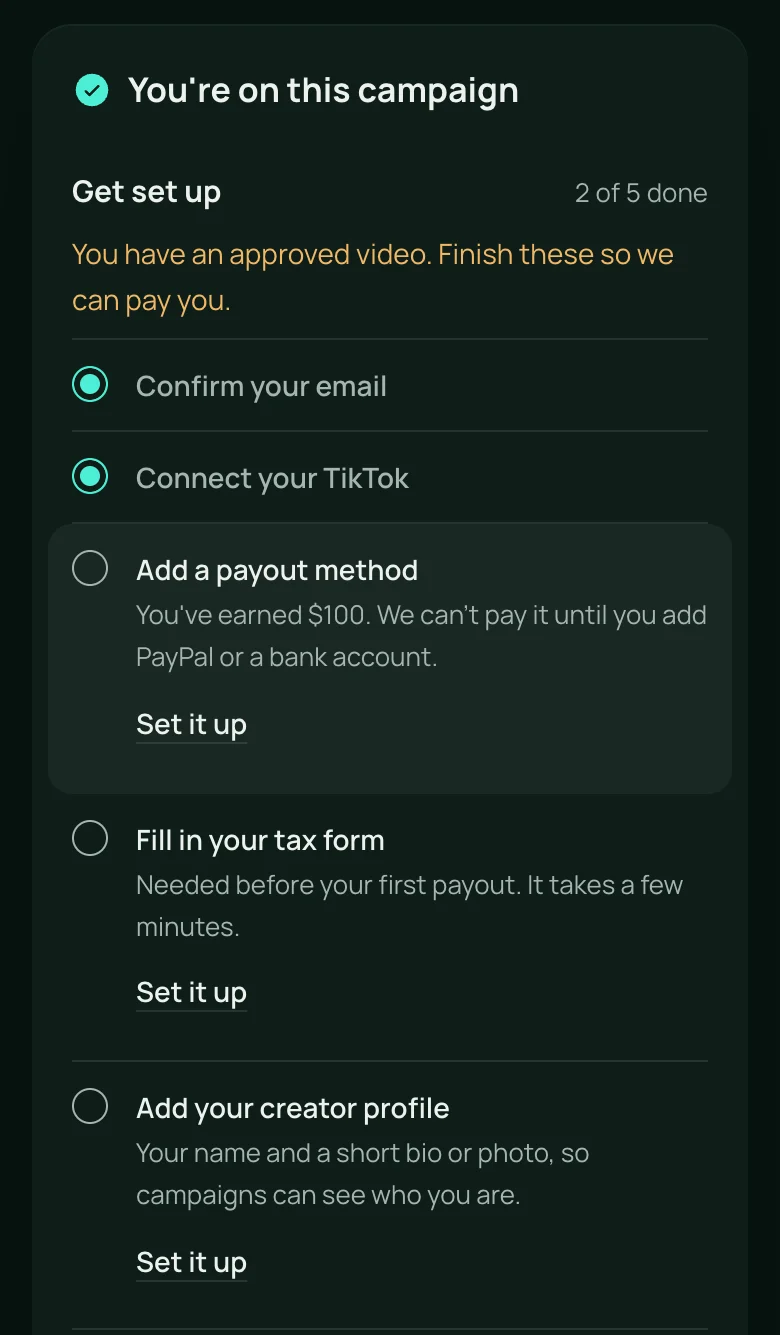
- Earnings are held while a campaign runs, then released once the views are checked. You fill in a tax form once, before your first payout.
- Real views only
- Videos with bought or fake views aren't paid.
- TikTok and Instagram
- TikTok and Instagram Reels at launch. YouTube Shorts is planned for later.
Invite creators and earn 10% of what they make.
It comes out of Sprout's share, not theirs. The creators you invite keep their full pay.
How referrals workQuestions
Do I need a lot of followers?
No. There is no follower minimum. Campaigns pay for the views a video gets, not for the size of the account that posted it.
What does it cost?
Nothing. Joining is free and Sprout doesn't take a fee from your pay.
How do I get paid?
Add PayPal or a bank account in your settings. Earnings are held while a campaign runs. After the views are checked, they're released and sent to your payout method.
Which videos count?
Videos that follow the brief, posted from the account you connected, between the campaign's start and end dates. Each campaign also sets how many videos one creator can enter.
What happens when a campaign's budget runs out?
Pay stops when the budget is spent or the end date passes, whichever comes first. The campaign page shows both, so you can see how much is left before you post.
When does Sprout open?
We're letting creators in from the waitlist. Join it and we'll email you when your account is ready.
Join the waitlist
We're letting creators in from the waitlist first. Tell us where you post and what you make, and we'll email you when your account is ready.